



This version 2.0.2 introduces in particular a custom AI provider, making it possible to freely connect your compatible models and services. It also includes a major overhaul of the questionnaire planning experience.
We have also enhanced several modules with interface improvements and day-to-day user experience refinements.
New features
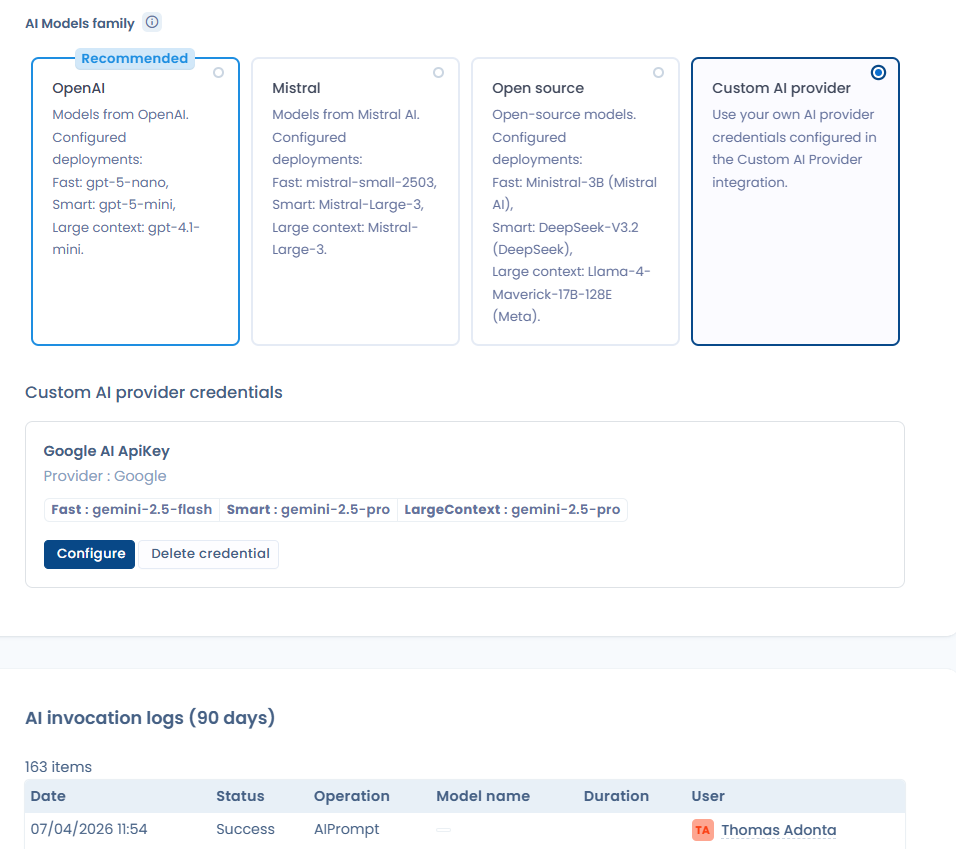
Custom AI provider
Easily connect your own models to Dastra: OpenAI, Google, Mistral, Microsoft Foundry, as well as your self-hosted LLMs, as long as they are compatible with the OpenAI API standard.
This new feature makes the AI Assistant more flexible than ever: a simple API key is enough to activate the integration and use the provider of your choice.
The AI Assistant interface has also been redesigned so you can configure your integration directly from Dastra. You also benefit from a complete history of requests and invocation logs, whatever model is used, to make tracking and troubleshooting easier.
To customize your AI assistant, go to the AI configuration page, then select Custom AI provider.
Single Sign-On: private JWT and backchannel logout
To strengthen the security of your SSO connection, we now support OpenID Connect mode with authentication via private_key_jwt. In the setup wizard for your SSO connection, simply select the Private JWT option, then enter your private key and your certificate.
We have also added support for back-channel logout. This mechanism automatically disconnects a user from Dastra when they are disabled, deleted, or signed out from the identity provider linked to SSO, such as Microsoft Entra ID or Google Workspace.
Improvements
Visual redesign of questionnaires:
The questionnaires have undergone a deep user experience redesign.
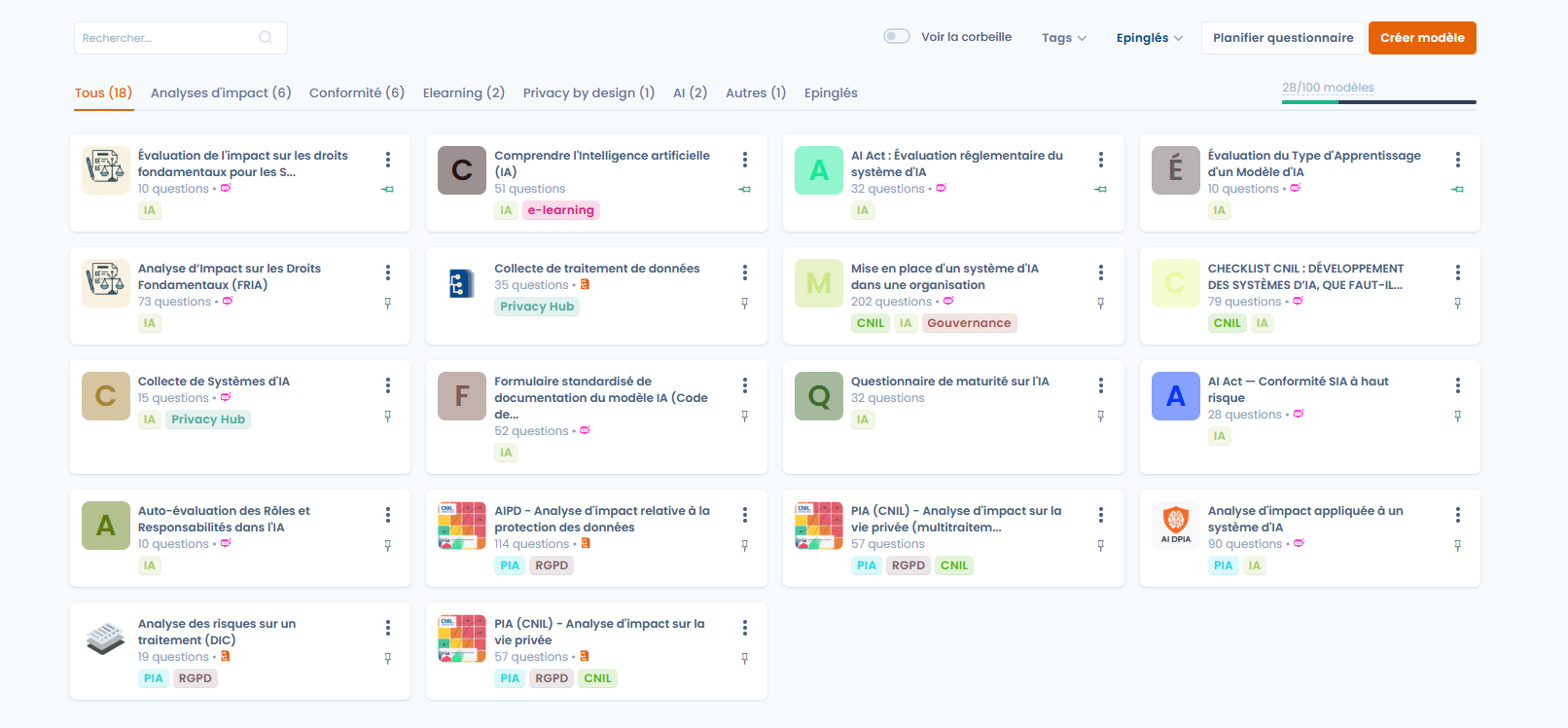
Redesign of the questionnaire home page:
Following extensive user feedback, we have reworked the home page and questionnaire classification to make template access easier to use. We have also added the ability to schedule a questionnaire directly from the home screen.
Simplified access to impact assessments and proposal of processing projects (Privacy by Design).
From now on, in the processing register module, we provide a way to quickly access all the latest impact assessments. You can therefore create them quickly while keeping an overview of all impact assessment questionnaires.
Simplified access to impact assessments and proposal of processing projects (Privacy by Design).

Improved questionnaire suggestion system in the processing register and AI systems
The questionnaire recommendation system has been reworked to be more user-friendly.

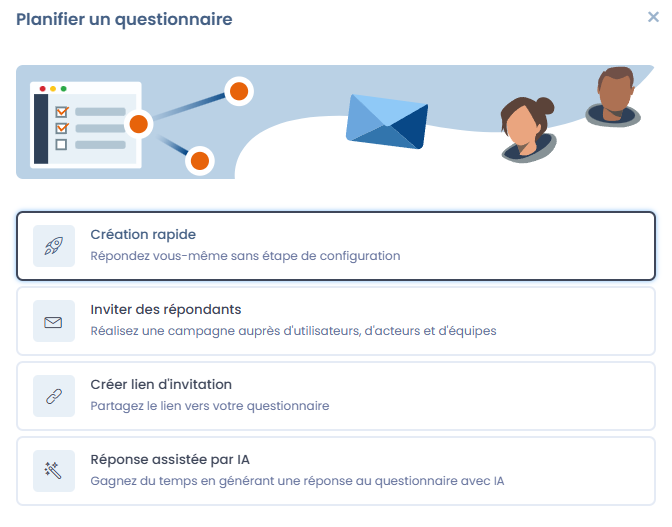
Quick questionnaire creation available
To reduce friction and the time needed to plan a questionnaire, we now offer a quick creation option for a new questionnaire. This option allows you to create a quick questionnaire where you will be the respondent, with no correction step required.
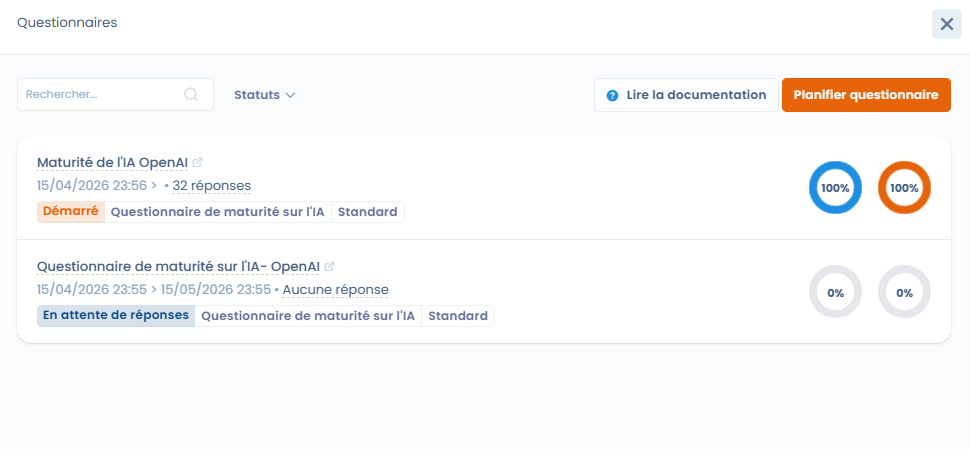
We have also improved the display of the questionnaire window associated with the item.
Compliance module: export of the Statement of Applicability (SOA)
This document contains all the information about the controls implemented within the application.

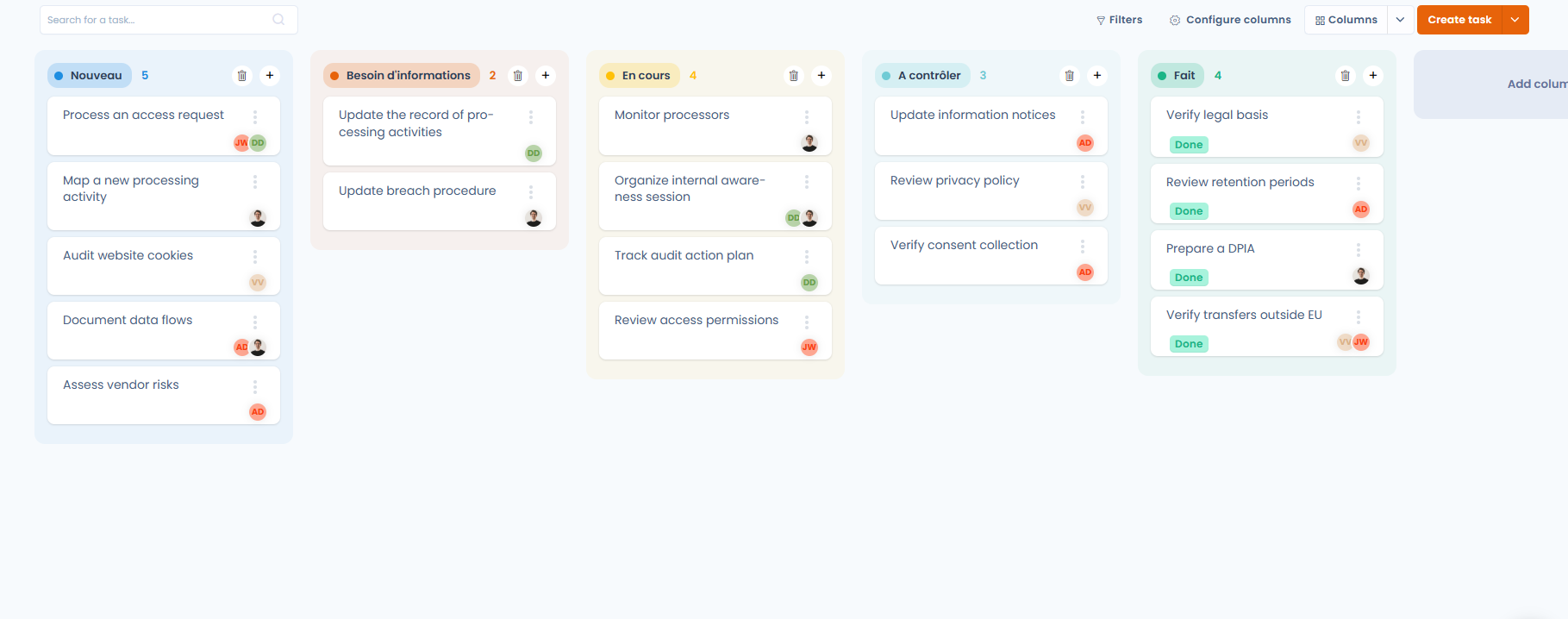
Redesigned Kanban task view
We have also improved the Kanban view in the planning module. It has been modernized to improve readability and task identification. Each column now has its own color code, making it easier to identify progress status and task distribution at a glance. This change is intended to provide a more intuitive experience, especially when the number of tasks is large.
Compliance: improved risk visualization in controls
In compliance projects, viewing the risks associated with a control has been enhanced.
It is now possible to switch between:
- a table view (detailed list of risks)
- a map view (heatmap) for a visual reading of risks
The map view lets you choose the type of risk displayed:
- Initial risk
- Current risk
- Residual risk
Ability to filter workflows on custom list fields or multiple checkbox fields
Visual improvements to the custom report designer
Custom reports: it is now possible to create a sharing link for your custom report
Improved display of retention periods in the Filerskeepers integration